Explore

Arrow
Tracking & Analytics
Analytics & Reporting

Know exactly what’s working before the session ends.

Real-time poll results, attendee tracking, UTM attribution, engagement metrics, and a unified contact database — everything you need to measure performance, optimize campaigns, and prove ROI.

12

months of historical data — filter and export any range

Real-time

poll votes, handout downloads, and CTA clicks — during the live session

CSV

export — attendees, UTM data, polls, and custom registration fields

Webinar Overview

See exactly how every webinar performs at a glance.

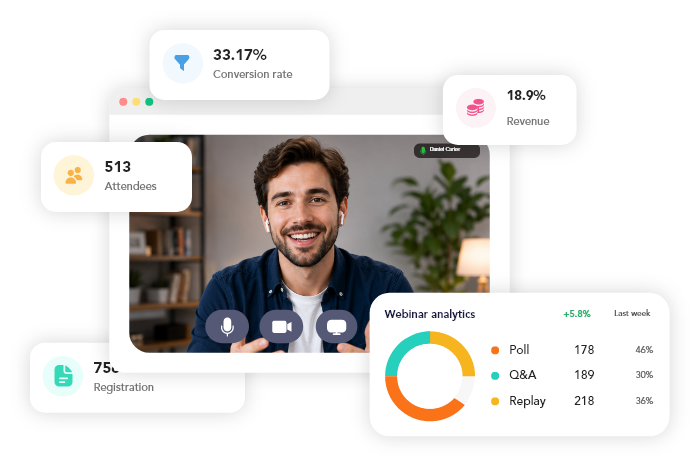
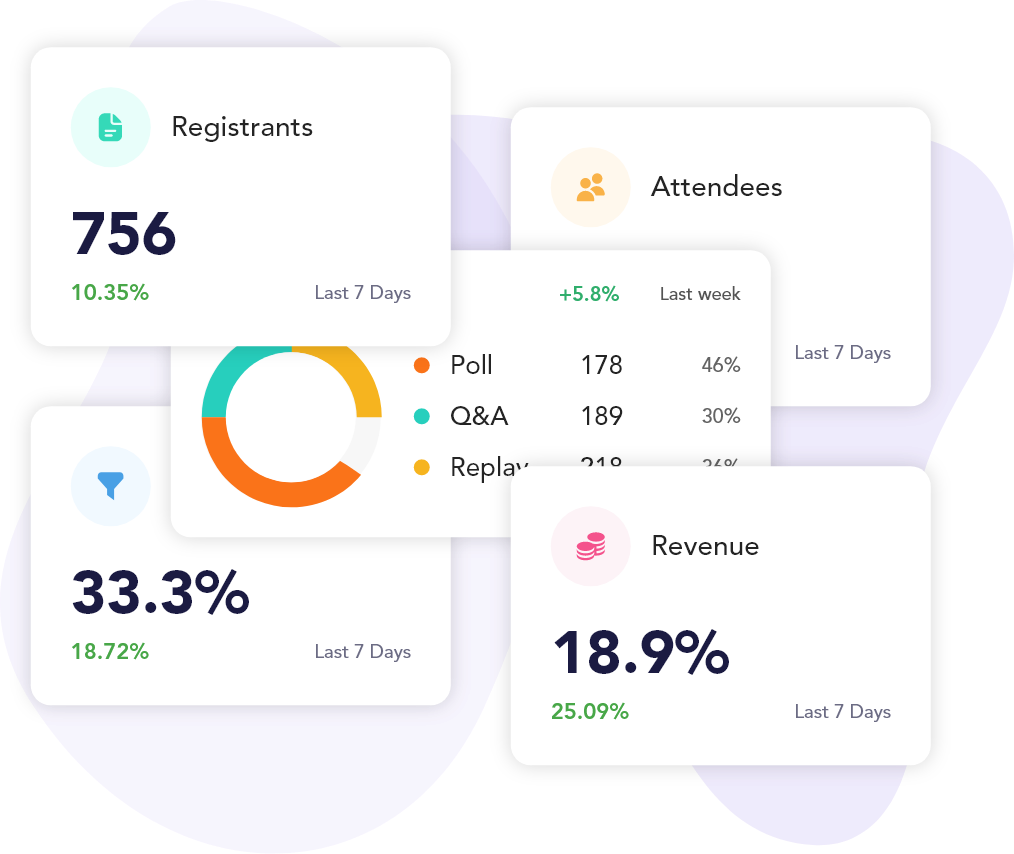
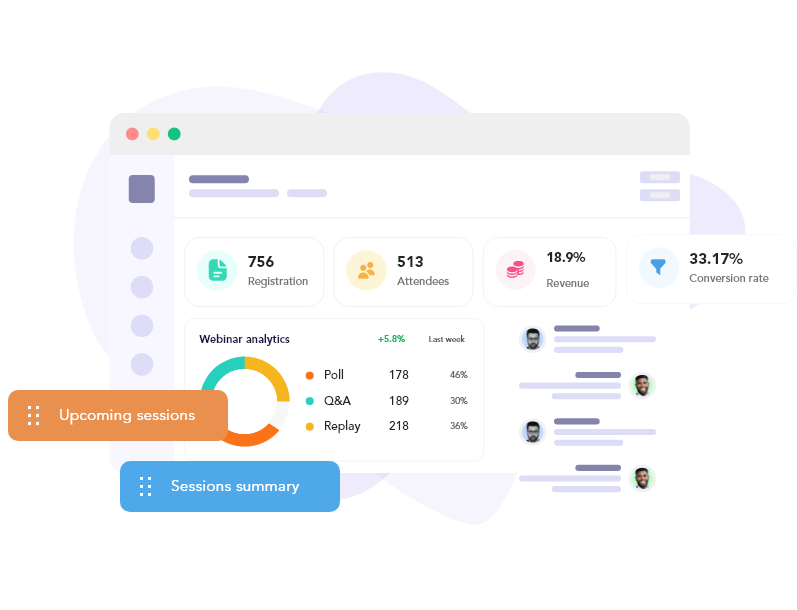
The webinar overview gives you instant visibility into what matters: visitors, registrants, attendees, conversion rates, and revenue (for paid events). Track capacity against registrations, review upcoming and past sessions, and see your most recent sign-ups — all in one dashboard. Every metric you need to evaluate performance and plan your next session.

Attendee & Registrant Reports

Know who attended, how long they stayed, and where they came from.

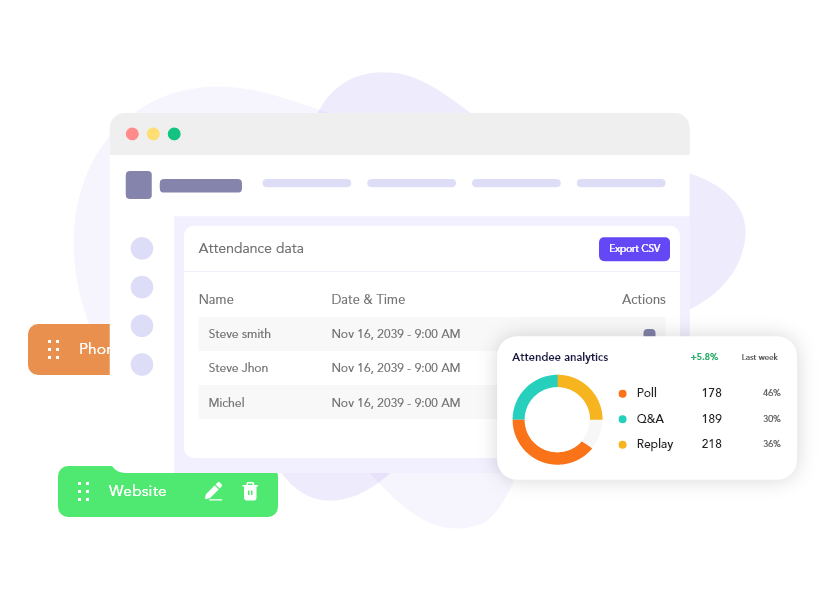
The attendee report gives you granular visibility into every registrant — registration timestamp, session date/time, whether they attended, join and exit timestamps, total attendance duration, and attendance percentage. Full UTM tracking captures marketing attribution for every registration. Export everything to CSV including custom registration field answers for deeper analysis or integration with your CRM.

Engagement & Interaction Analytics

Measure what resonates — polls, chat, handouts, and CTAs.

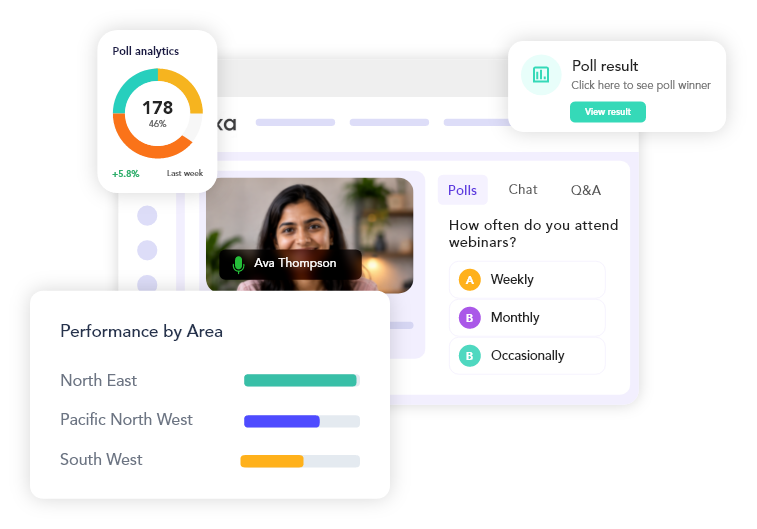
Track every interaction your attendees have during the session. See poll results with vote counts and percentages per question, handout download counts, featured action (offer) click-through rates, and complete chat history with message counts, reactions, and questions. Real-time poll votes, CTA clicks, and handout downloads appear in the live room during the session — then persist in the analytics dashboard for post-event review.

Analytics & Replay
Live Polls
People Database & Lead Management

Build a unified contact database across all your webinars.

The People view aggregates every registrant across all webinars into a single, searchable contact database. Track lead quality, activity status, engagement level, and apply tags for segmentation. View session history per contact, see which webinars they’ve registered for and attended, and filter by signup date, session date, or search by name and email. Edit lead attributes individually or bulk-edit tags for selected contacts — then export filtered lists to CSV for external CRM integration.

Marketing Campaigns & Surveys

Track email invitations and post-event survey responses.

See how your marketing campaigns perform — track sent emails, click-through rates, and invitation engagement. Review survey responses in detail, monitor response rates, and export all survey data to CSV. Campaign invitation reports show exactly how many recipients clicked through to register, helping you optimize your email strategy and measure the effectiveness of each campaign. Survey exports include full response data for analysis and follow-up.

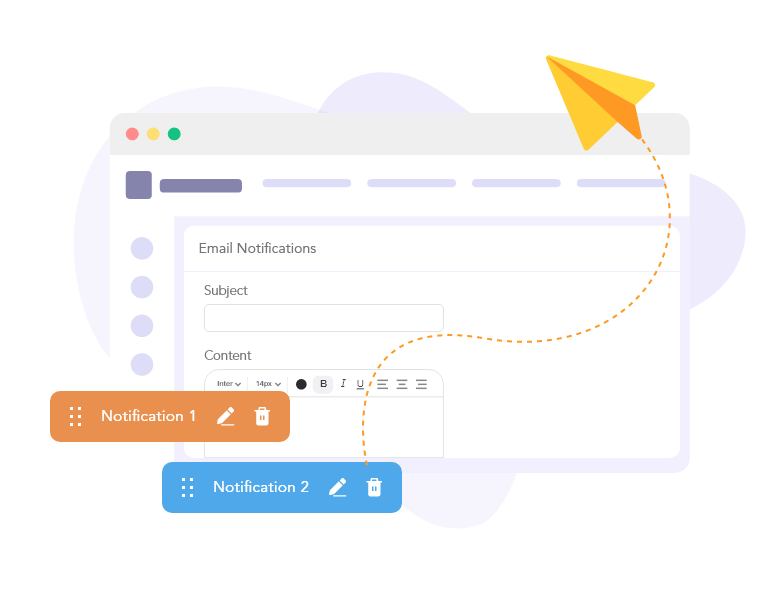
Branded Email Notifications

Every report you need, ready when you need it

From real-time engagement in the live room to post-event exports and historical trend analysis — all your data in one place.

Session-level insights

Session-level insights

Filter analytics by individual session or date range across all sessions.

Tracking & Analytics

Registration insights chart

Visits, registrations, and attendees over time — daily, weekly, or monthly buckets.

Real-time live room metrics

Real-time live room metrics

Poll votes, CTA clicks, handout downloads, and Q&A votes displayed during the session.

UTM attribution tracking

UTM attribution tracking

Source, Medium, Campaign, Term, Content, and ID captured per registration.

Attendance duration tracking

Attendance duration tracking

Join timestamp, exit timestamp, heartbeat-based minutes, and attendance percentage.

Broadcast attendee tracking

Broadcast attendee tracking

Attendance recorded when attendees view the live stream — no login required.

Track every metric that matters

From registration to attendance, engagement to conversion — measure performance at every stage of the webinar funnel.

Session Filtering

Session Filtering

Filter analytics by upcoming or past sessions — review any date range up to 12 months of historical data.

Registration Insights

Registration Insights

Visualize visits, registrations, and attendees over time with daily, weekly, or monthly bucketing.

Simulated chat experience

Chat History

Complete chat transcript with timestamp, sender, message content, type, and summary stats (messages, reactions, likes, questions).

Timed polls, CTAs, handouts

Poll Results

Question-by-question breakdown with per-option vote count and percentage — exported to CSV for deeper analysis.

Tracking & Analytics

Handout Analytics

Track which handouts attendees download and how many times — measure content engagement.

Post-Webinar CTAs

Featured Action (CTA) Clicks

See how many attendees clicked your in-session offer or call-to-action — measure conversion.

Attendance duration tracking

Join & Exit Timestamps

Precise attendance tracking — see when each attendee joined, exited, and total time in session.

Location Data

Geographic location captured per attendee — understand where your audience is tuning in from.

Lead Quality & Tags

Assign lead quality, activity status, engagement level, and tags to each contact for segmentation and follow-up.

Session Filtering

Advanced Filtering

Filter People by webinar, session, signup date, session date, or search by name/email — then export to CSV.

Custom Registration Fields

Export custom registration question answers per attendee — integrate with your CRM or sales workflow.

Broadcast attendee tracking

Real-Time Analytics

Poll votes, CTA clicks, handout downloads, and Q&A upvotes displayed live in the host dashboard during the session.

Built for teams that need to prove ROI

Marketing teams, growth leaders, and sales ops rely on JoinLive Analytics to measure, optimize, and report on webinar performance.

“The attendee report changed how we measure success. We know exactly who attended, how long they stayed, and which UTM sources drive the best engagement. Game-changer for marketing attribution.”

Sarah Chen

VP Marketing, Summit Labs

“Being able to see poll results and CTA click-through rates in real-time during the session helps us adjust our pitch on the fly. Post-event, the export to CSV makes it easy to feed data back into HubSpot.”

Michael Torres

Growth Lead, Elevate

“The People database is our single source of truth for webinar leads. We tag contacts, track engagement, and export filtered lists directly into our sales pipeline. It’s like a mini-CRM built in.”

Emma L.

Head of Demand Gen, Ascent

Ready to measure what matters?

Start free — no credit card required. Full analytics access on every Premium plan.