Explore

Arrow
Studio & Backstage
Studio & Backstage
Produce webinars that look broadcast-ready.

Backstage prep, multi-presenter stage, professional scene layouts, HD live broadcast, and automatic recording — everything a producer needs to run a polished show, built into one platform.

Studio & Backstage

10

presenters on stage simultaneously

1-click

scene transitions — no live switching stress

attendees — scale your broadcast without limits

Backstage & Producer Controls

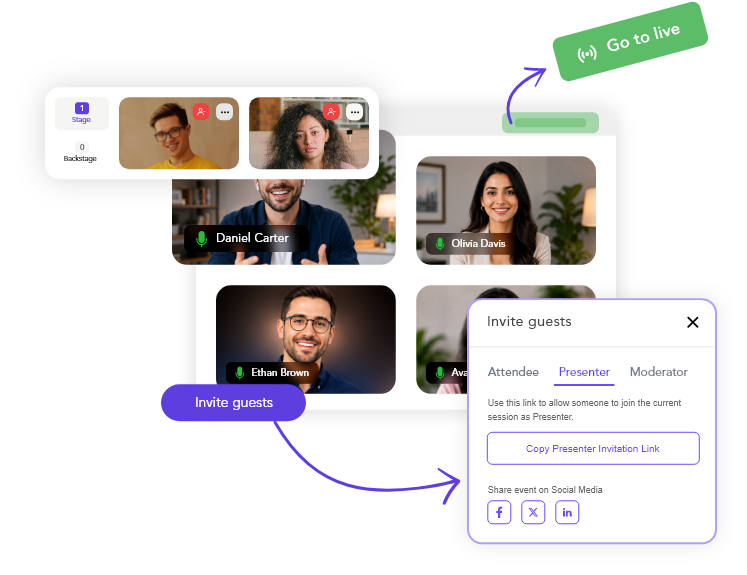
Prepare your show before a single attendee sees it.

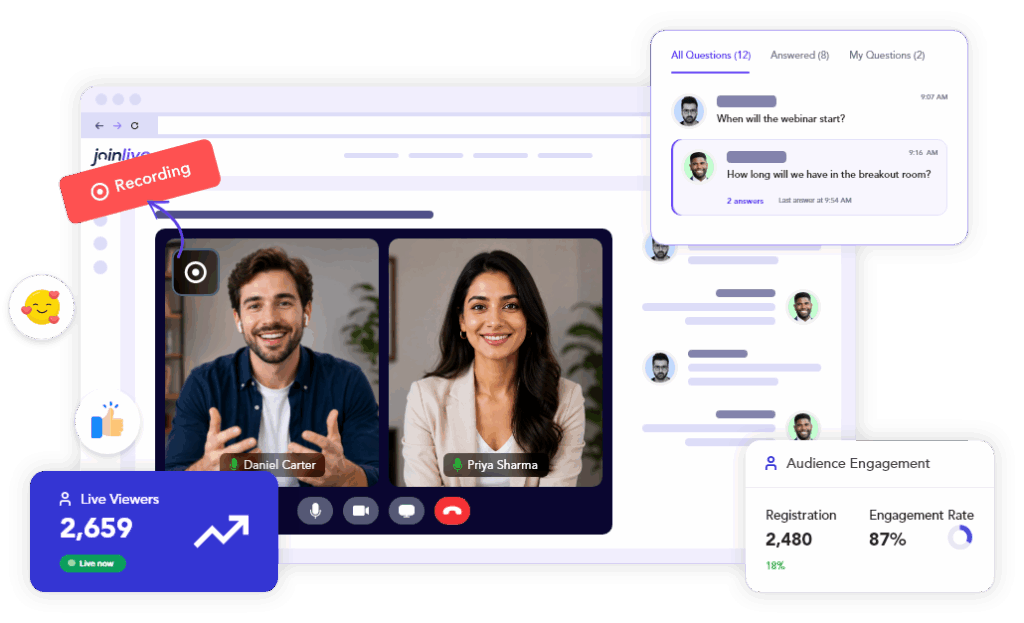
The JoinLive backstage is your private pre-show command centre. Invite hosts, panellists, and guest speakers to warm up, run through materials, and co-ordinate — all while attendees see a branded waiting room. When you’re ready, go live with one click. Nothing reaches your audience until you decide it does.

Backstage & Producer Controls
Live Broadcast & Streaming

Broadcast to thousands with professional-grade quality.

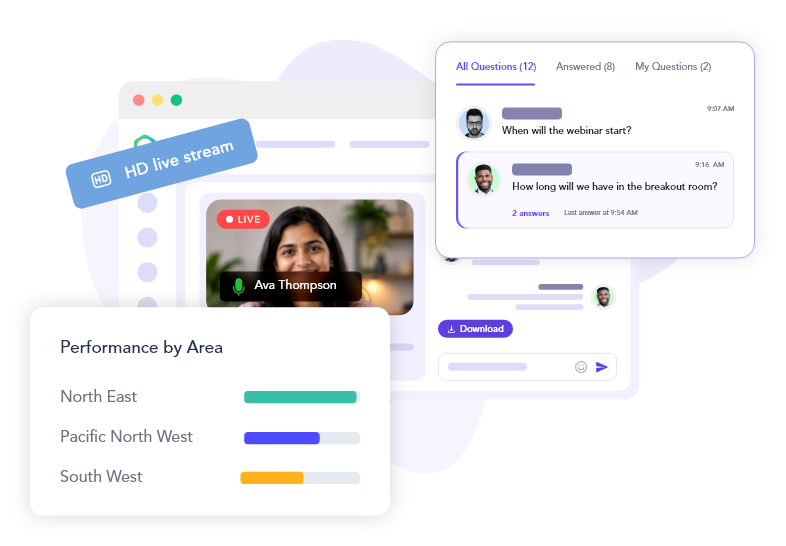
JoinLive Studio is built for scale. Stream HD video and crisp audio to thousands of live attendees simultaneously — from any location, on any device. No downloads for attendees, no specialised hardware for hosts. Embed your live event on any webpage or broadcast to external platforms via RTMP.

Multi-Presenter Stage

Bring the right voice on stage at exactly the right moment.

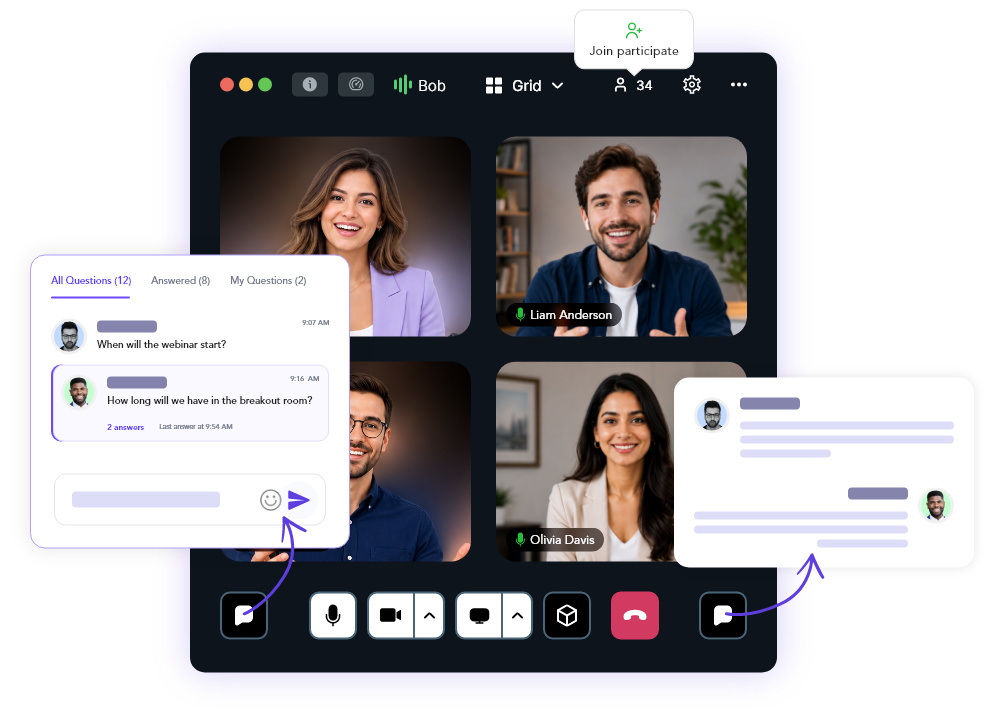
Run panel sessions, interviews, and multi-speaker events with up to 10 presenters on screen simultaneously. Promote any attendee to the stage mid-session, mute or remove them instantly, and switch between speaker layouts on the fly. The host retains full control throughout — presenters only see what you want them to see.

Collaborative Sessions
Presentation Materials

Prepare everything in advance. Present without fumbling.

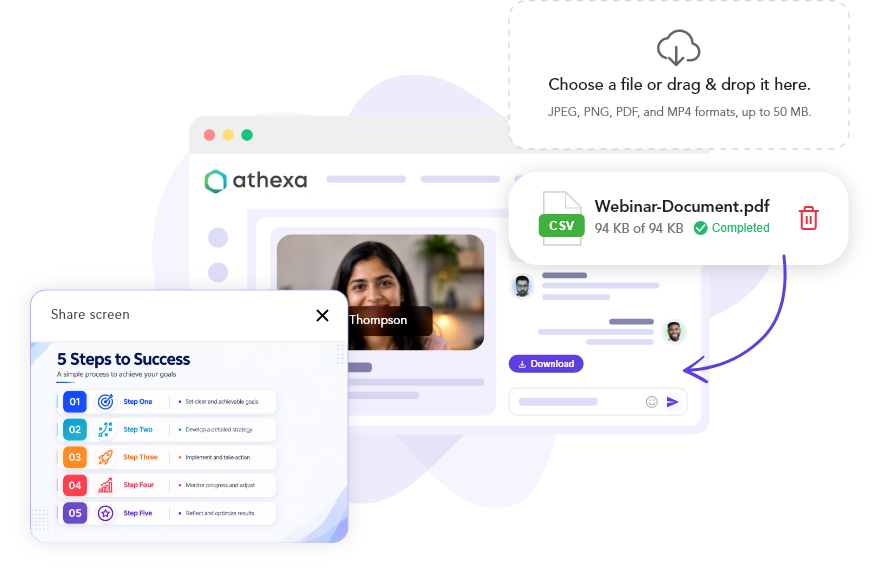
Upload slides, videos, and supporting materials to your session before going live so you’re never scrambling at showtime. Share your screen as a flexible alternative, or combine both. Switch between presenter view and content view with a single click — keeping your delivery smooth and your audience focused.

Recording & Replay

One recording. Instant replay. Evergreen asset — forever.

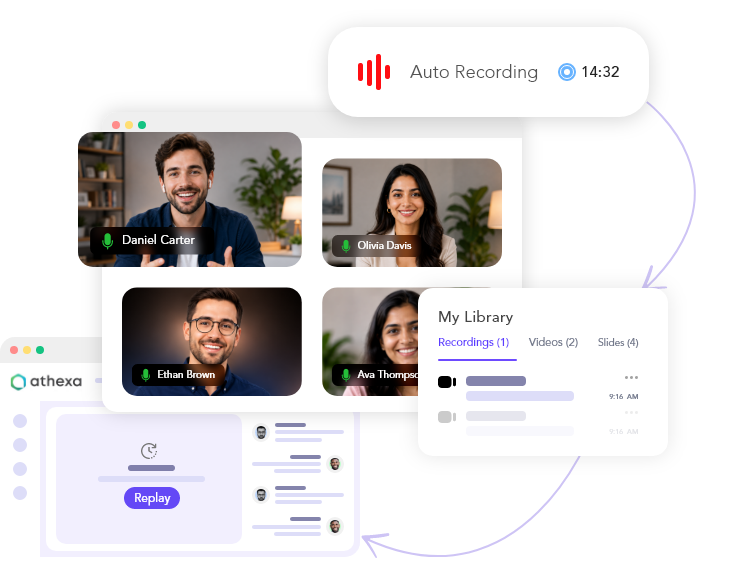
Every session can be recorded automatically from the moment you go live. The recording is available for replay within minutes of the session ending — share the link, embed it on a page, or feed it directly into an automated webinar funnel. Your best live session becomes a 24/7 lead generation asset without any extra work.

Recording & Replay

Every layout you need, ready to go

Pre-build your scenes before going live. Switch between them mid-show with a single click — no technical skill required.

Scene Builder

Speaker-only

Full-screen presenter cam — clean and focused.

Reach More Prospects

Slides + speaker

Side-by-side or picture-in-picture content layout.

Multi-speaker grid

Multi-speaker grid

Up to 10 panellists visible simultaneously.

Screen share

Screen share

Full-screen share with optional cam overlay.

Branded overlay

Branded overlay

Logo, lower-thirds, and colour scheme throughout.

Custom backgrounds

Custom backgrounds

Virtual backgrounds per presenter — no green screen.

Everything a producer needs, built in

No OBS, no third-party streaming platform, no patchwork of tools. JoinLive Studio replaces the entire production stack.

Scene Builder

Scene Builder

Pre-build every segment of your show before going live. Switch between scenes with a single click — no live fiddling.

Custom backgrounds

Custom Backgrounds

Every presenter can set a branded or blurred virtual background. No green screen required — works from any location.

On-Screen Overlays

On-Screen Overlays

Add lower-thirds, logo watermarks, and branded colour strips to the live video — keeping every frame on-brand.

Screen share

Screen Sharing

Share your full screen, an application window, or a single browser tab. Switch to slides or back to cam in one click.

Timed polls, CTAs, handouts

Live Polls from Studio

Push polls to your audience mid-session from the producer view. Results appear live for everyone without interrupting the stream.

Timed Offers & CTAs

Timed Offers & CTAs

Trigger an in-session offer or call-to-action button at any scheduled moment — no manual action needed during the show.

Audio Controls

Audio Controls

Individual microphone controls per presenter. Mute the room or a specific speaker instantly from the host dashboard.

RTMP Multistream

RTMP Multistream

Simultaneously stream your live session to YouTube, LinkedIn Live, Facebook, and any other RTMP-compatible destination.

Evergreen Conversion

Evergreen Conversion

Convert your best recording into an automated webinar with one click. Schedule it across time zones and accept registrations 24/7.

Recording Storage

All recordings stored securely in the cloud. Access, trim, share, or download any past session from your dashboard.

HD Video Quality

HD Video Quality

Broadcast in HD video with crisp, stable audio — no matter how many attendees are watching simultaneously.

Attendee Capacity

Attendee Capacity

Scale from intimate 50-person workshops to thousands of concurrent live attendees without any infrastructure changes.

Built for producers who care about quality

From solo presenters to multi-speaker productions — teams trust JoinLive Studio to deliver every time.

“The backstage feature completely changed how we run panel sessions. Guests arrive early, we walk through the flow, and when we go live — everything is polished from the first second.”

Alex Meade

Head of Events, Beacons Point

“We switched from OBS and a separate streaming platform to JoinLive Studio. The scene builder alone saved us two hours of prep per session.”

James R.

Producer, ScaleHQ

“Recording and converting to evergreen in one click was the feature that sold us. Our best live webinar now runs every day of the week without us lifting a finger.”

Kim S.

Founder, Digital Academy

Ready to give your content a broadcast-grade look?

Start free — no credit card required. Full Studio access on every Premium plan.